Managing Projects
The Projects section is where you upload, organize, and share your work with clients.
Projects are the core of Mockhub, allowing you to present deliverables and collect feedback in one place.
📂 Creating a New Project
-
Go to the Projects page
Navigate from the sidebar to Projects. -
Click "New Project"
Press the Create New Project button to start. -
Enter project details
Fill in the required information:- 📝 Project Name – Give your project a clear name.
- 👤 Assign Client – Choose an existing client or create a new one.
- 📂 Upload Files – Add files, images, or videos to your project.
-
Save & Share
After creating the project, you’ll receive a unique secure link to share with your client.
📑 Managing Projects
Once a project is created, you can:
- 🔄 Update files – Upload new versions and keep everything organized.
- 💬 Collect feedback – Clients can leave comments directly on your files.
- 🔒 Control access – Decide who can see your projects and set permissions.
- 🗑️ Archive or Delete – Keep your workspace clean by removing finished projects.
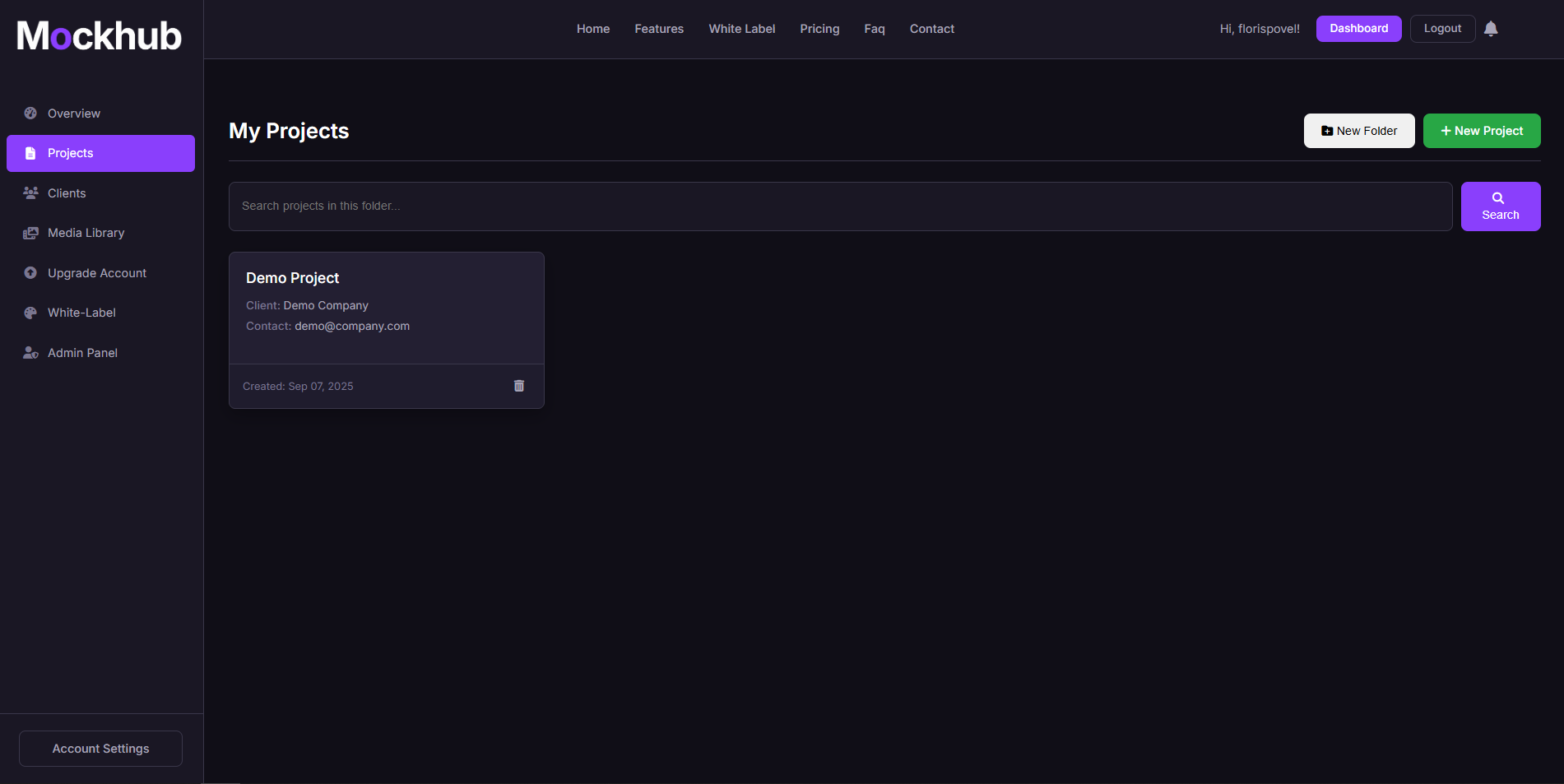
🖼️ Example: Projects Page
✅ What’s Next?
After setting up your projects, you can:
- Invite your clients to review them.
- Use the Media Library to keep track of all uploaded assets.
- Explore White-Labeling to customize the experience with your own branding.
Need help with projects? Visit the FAQ or contact support@mockhub.app.