Logging Into Your Account
Already have a Mockhub account? Follow the steps below to log in and access your projects.
📝 Step-by-Step Instructions
-
Go to the login page
Open your browser and navigate to:
👉 https://mockhub.app/login -
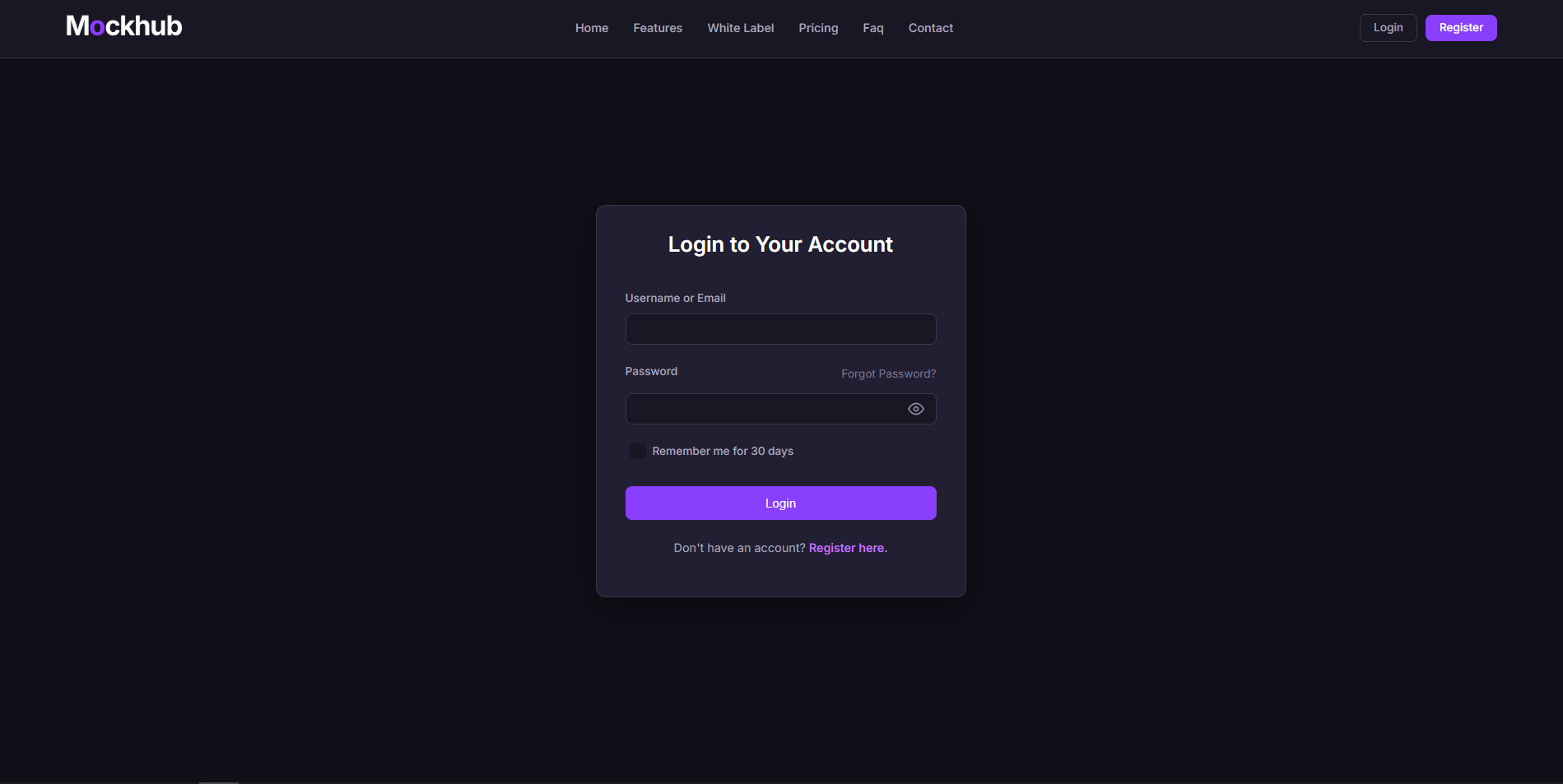
Enter your credentials
You’ll see the login form where you need to fill in:- ✉️ Email Address – The email you used to register.
- 🔑 Password – Your account password.
-
Click the "Login" button
Once entered, click the Login button to access your dashboard. -
Forgot your password?
If you can’t remember your password, click the Forgot Password link below the form and follow the reset instructions.
🖼️ Example of the Login Form
✅ What’s Next?
After logging in successfully, you’ll be redirected to your Dashboard where you can create, manage, and share your projects.
Need help logging in? Visit our FAQ or contact support at support@mockhub.app.